A tour of the motherboard for those afraid to open the case
What sits where, and why almost everything inside a computer can be recognised by its shape.
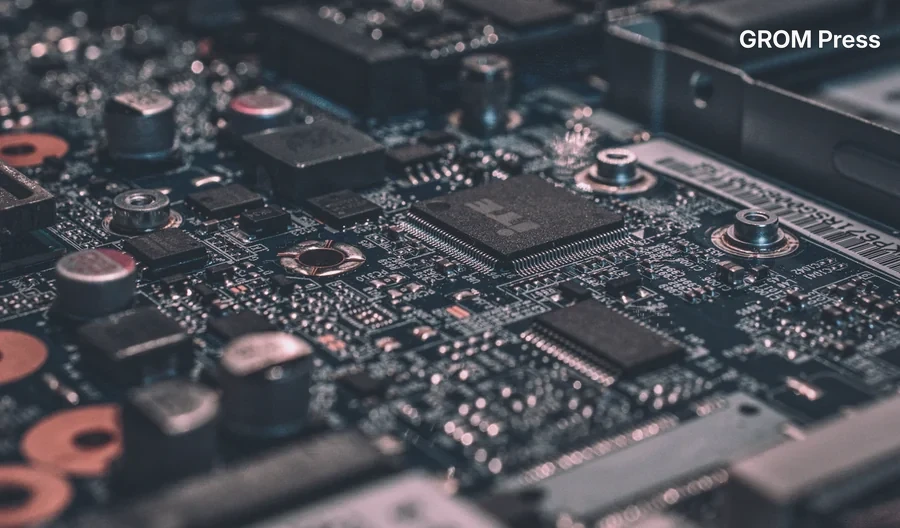
The first time I took the side panel off a desktop PC, I found a small city inside. It took me half an hour to see that it had a clear layout.
The main addresses
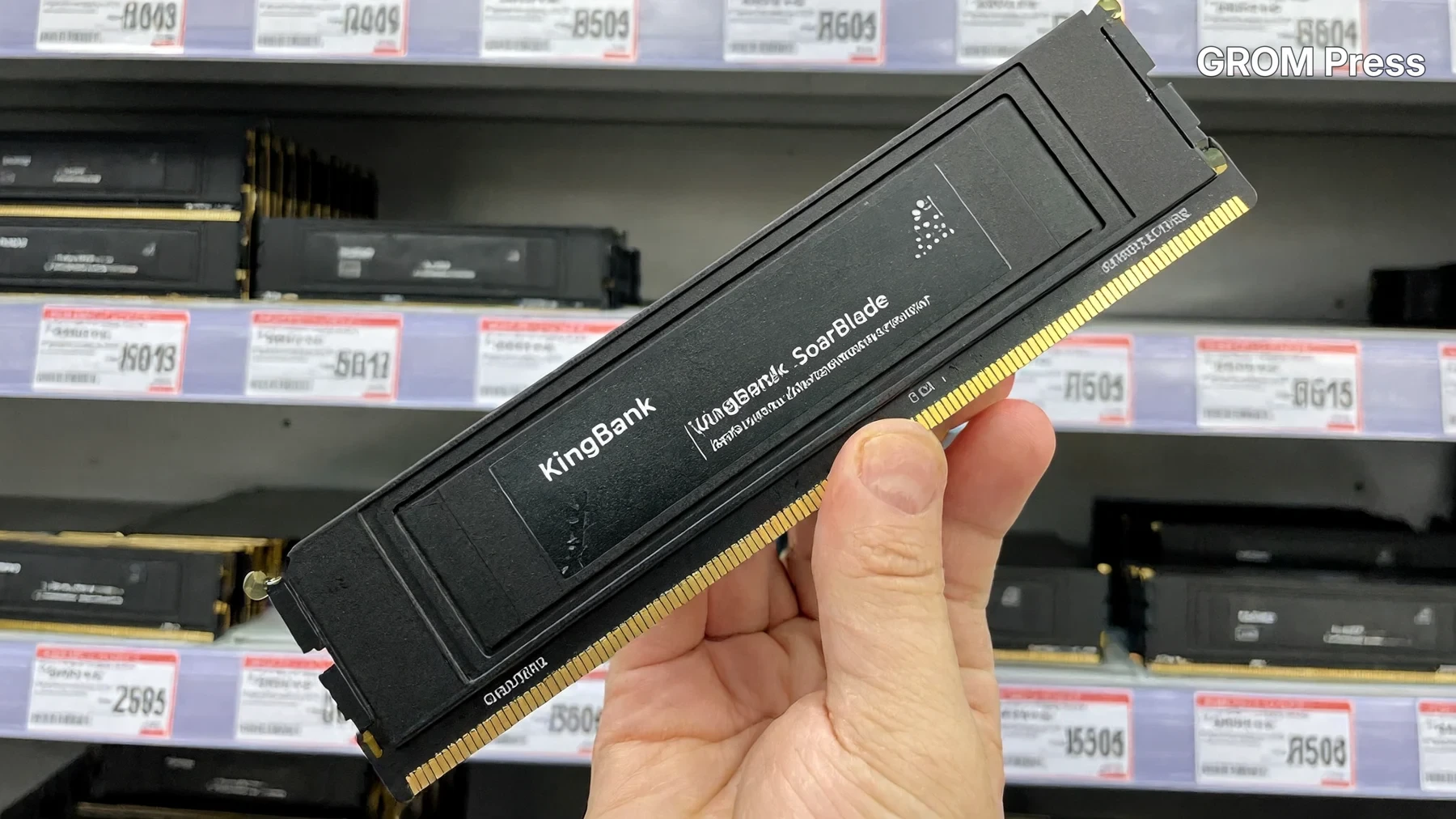
In the centre, under the largest cooler, sits the processor. Beside it are the long vertical memory slots with latches at the ends. Below are the expansion slots; the longest usually holds the graphics card. A flat round battery powers the clock and keeps the settings while the computer is switched off.
Hints on the board itself
The connectors are designed so that it is hard to plug a part into the wrong place: each has its own key, notch or pin count. Many have labels in small print beside them, and the board's manual contains a full diagram.
Before touching anything, switch the computer off and unplug the power cable. For a first visit, it is enough simply to look and find the four addresses from this piece.
Source: GROM.PRESS