Tesla's blue snowflake icon warns of cold-related battery limits
Tesla displays a blue snowflake next to the battery indicator when the battery is cold. The unavailable energy is shown in blue on the battery meter and returns once the battery warms up. Cold weather can also reduce range, slow charging, weaken regenerative braking and change acceleration. Tesla recommends preconditioning the battery and cabin 30 to 45 minutes before departure, ideally while the car is plugged in. No specific trigger temperature or timeframe for the icon to disappear has been provided by Tesla.
Main event
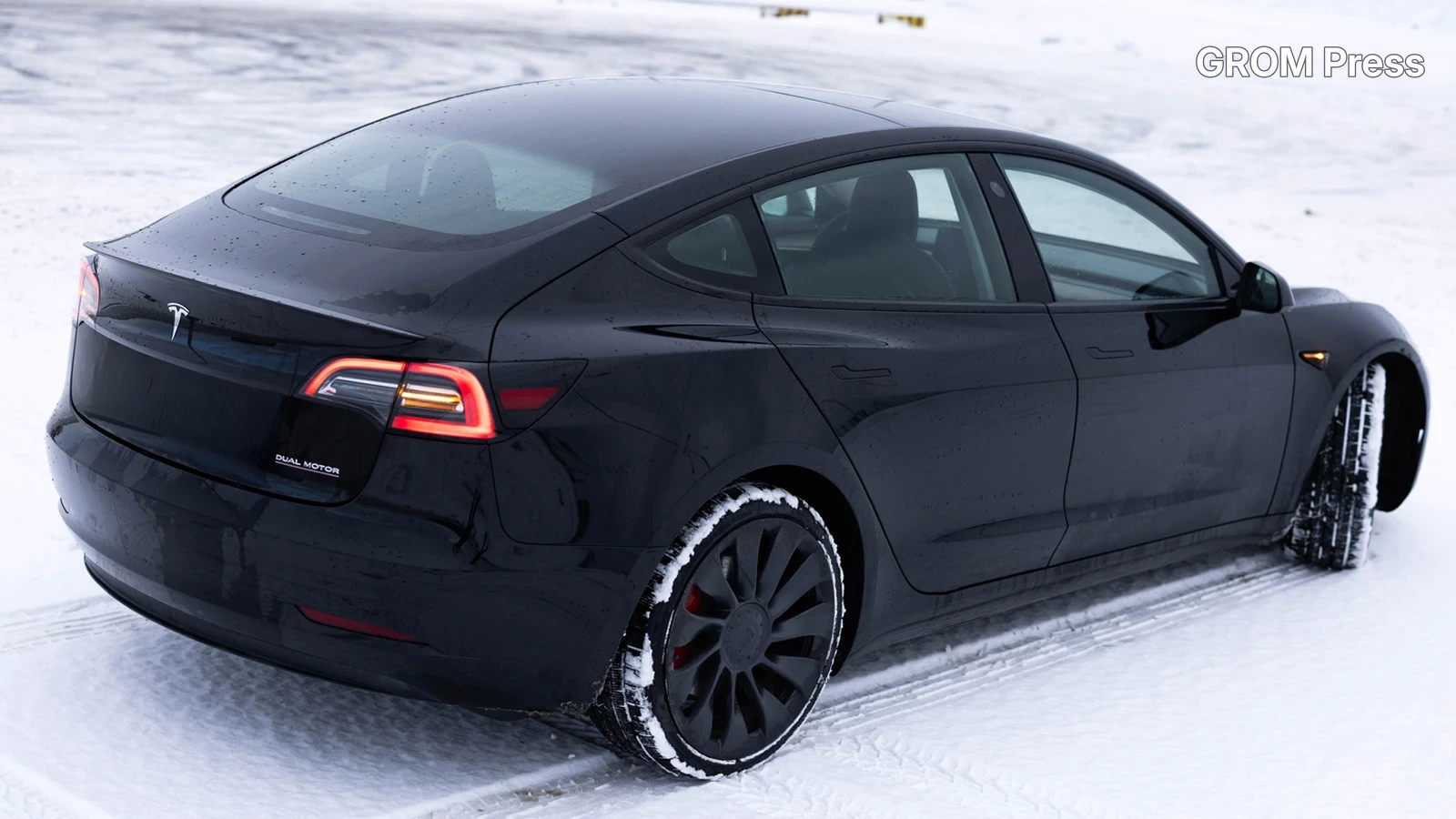
Tesla vehicles display a small blue snowflake icon next to the battery indicator when the high-voltage battery is cold. The icon is not a holiday-themed graphic or a warning about icy roads. It signals that part of the battery's stored energy is temporarily unavailable because of low temperature. Tesla marks this unavailable portion in blue on the battery meter, and the energy becomes usable again once the battery warms up during driving or charging.
What the icon means for driving
According to the material, a cold battery can lead to less available range, weaker regenerative braking and slower charging. Acceleration may also feel different. Regenerative braking sends energy back to the battery when the driver lifts off the accelerator, but a cold battery cannot absorb that energy as effectively, so the regen effect approaching a stop can feel much weaker.
Some Model 3 variants include a setting called Apply Brakes When Regenerative Braking Is Limited, found in Controls > Dynamics on the touchscreen. When enabled, the car uses the mechanical brakes to mimic full regenerative braking. Availability depends on the model and software version. Tesla may also show a separate icon resembling a broken green brake disc with an electricity symbol inside to indicate that regenerative braking is not fully available.
Read the full story on GROM.PRESS
Source: GROM.PRESS