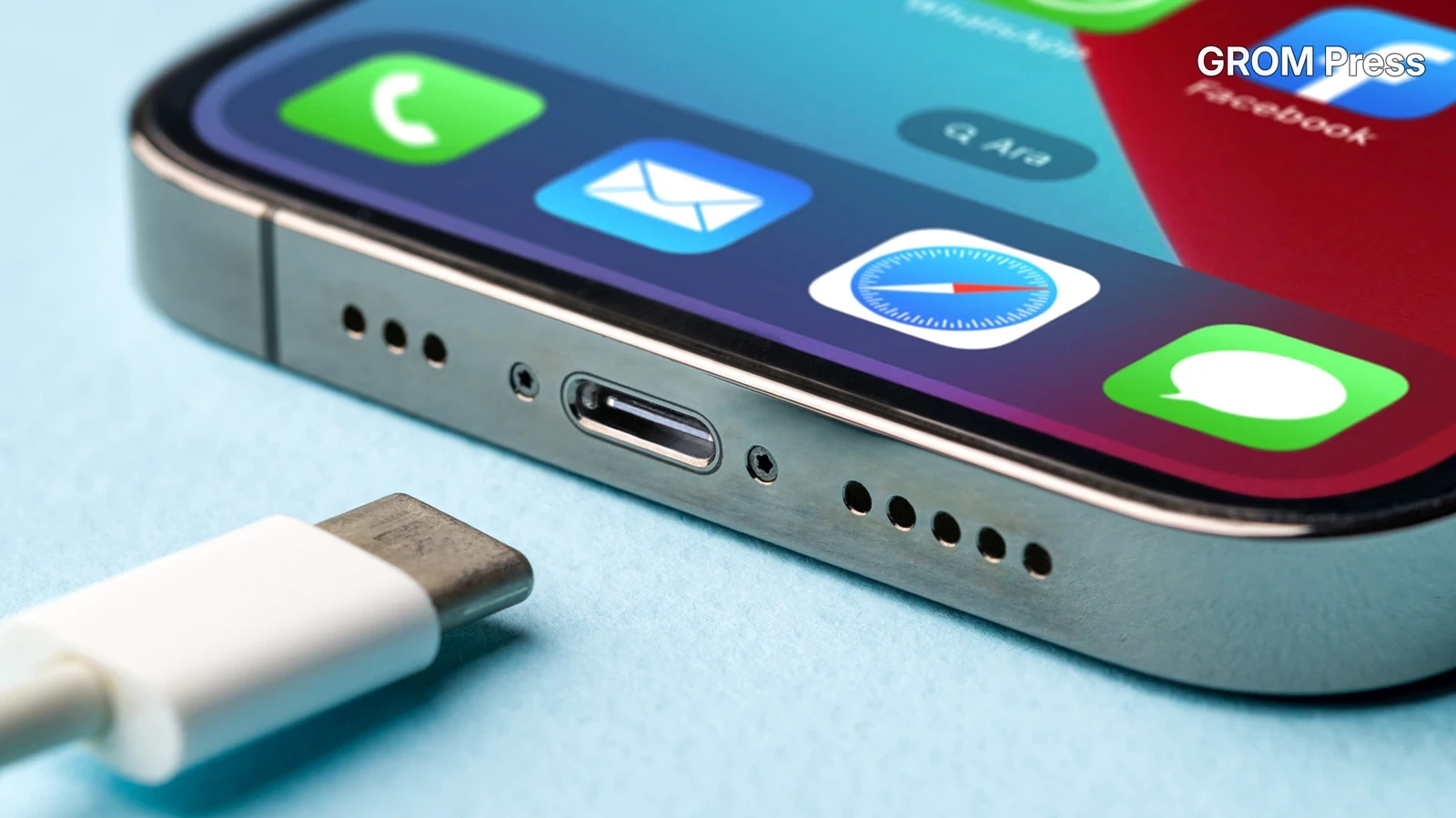
iOS settings to help control mobile data use
The article lists iPhone settings and app-level options for monitoring and reducing cellular data consumption, including per-app data toggles, Low Data Mode, Wi-Fi Assist, App Store and iCloud backup settings, streaming quality controls, offline maps, and third-party app data-saving features.

The main event is the publication of a guide explaining how iPhone users can manage mobile data use through built-in iOS settings and third-party app options. Its significance is practical: it helps users avoid excess-data charges or speed throttling after exceeding a monthly allowance.
The guide says cellular data is consumed not only by downloads and video streaming but also by background app refresh, app updates and cloud syncing. Users can view data use by individual app in Settings under Cellular, in the Cellular Data section, by tapping Show All. Apps can be sorted by name or usage. A toggle next to any app prevents that app from using cellular data; the app will stop updating content in the background away from Wi-Fi and might stop sending notifications. When the app is next opened, iOS alerts the user that mobile data has been turned off and offers the option to re-enable it.
Turning off mobile data entirely can prevent data usage and reduce battery drain for users who rely mainly on Wi-Fi. This is done in Settings under Cellular by toggling Cellular Data on or off.
Read the full story on GROM.PRESS
Source: GROM.PRESS