How to block an unknown device from your home Wi-Fi network
The article explains how to identify and block an unfamiliar device on a home network using the router app or browser interface, MAC addresses, and access-control settings. It also recommends changing the Wi-Fi password, updating the administrator password, using WPA2 or WPA3, enabling firmware updates, setting up a guest network, and reviewing the connected-device list regularly. It notes that hiding the SSID does not reliably stop intruders.
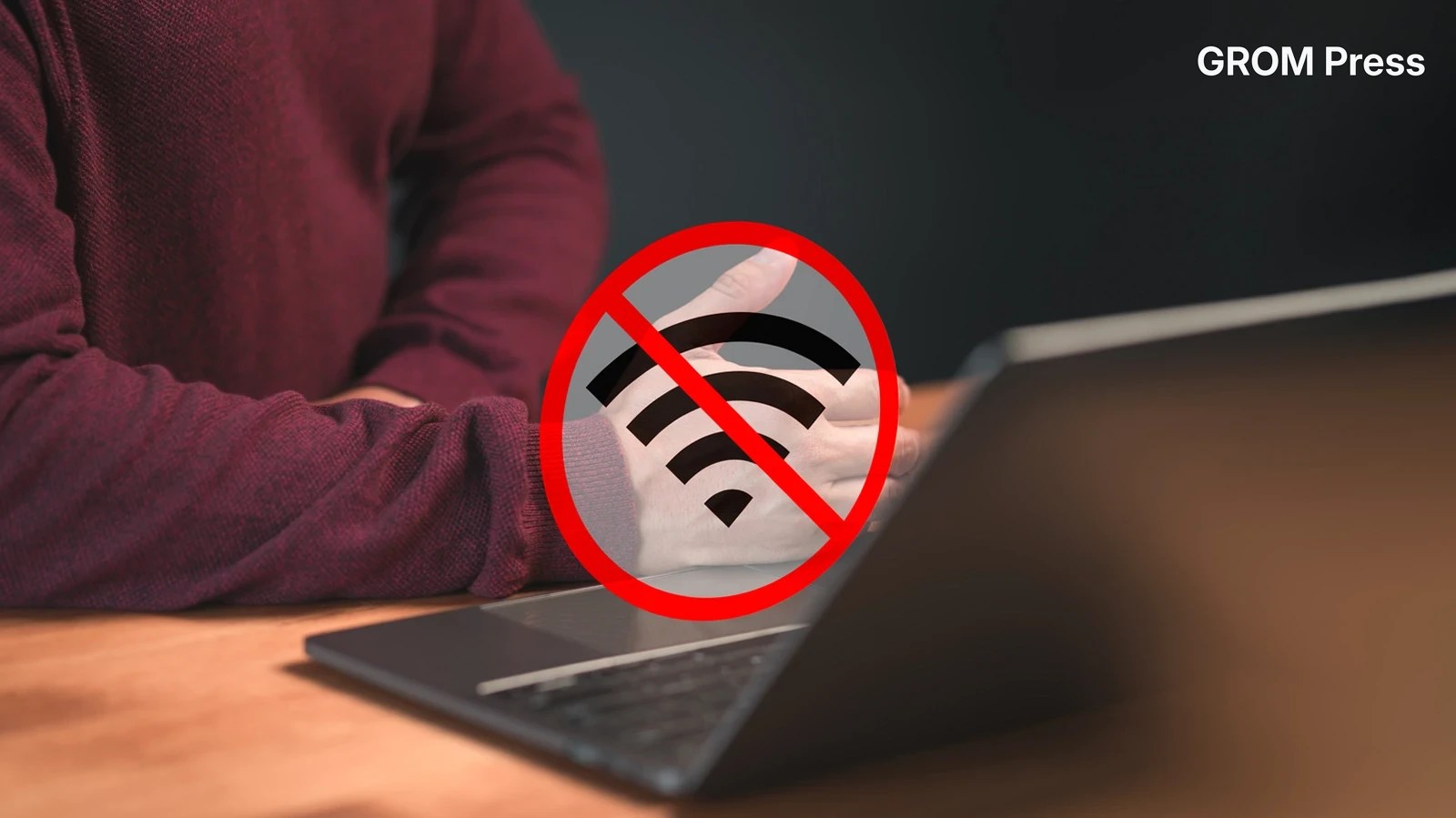
The main event is the discovery of an unfamiliar device on a home Wi-Fi network and the steps to block it. The article says router and gateway apps, whether provided by an ISP or bought separately, often notify users when a new device connects. Those notifications are not always helpful because privacy features on connecting devices can cause the app to show a string of letters and numbers or simply label the device as unknown. The significance is that an unknown device may mean someone knows the Wi-Fi password, so blocking one device alone will not solve the problem if the password remains unchanged.
To begin, users should open the router app or log in through a browser on a PC and look for a section called connected devices or attached devices. Administrative login credentials are required, and these may differ from the regular Wi-Fi password. ISP instructions or the router manual can help with the exact steps because every app is different.
Before blocking anything, users should compare the MAC address of each connected device with the MAC addresses of their own devices. On an iPhone, the Wi-Fi address is found in Settings under Wi-Fi Network. On most Android devices, it is in Settings under About Device, then Status Information or Hardware Information. Once an out-of-place device is identified, its entry in the router app can be blocked. Depending on the router, the option may be called Access Control, MAC Filtering, or something similar. On a Netgear router, for example, the controls are under Advanced, Security and Access Control. The feature must be enabled, and the specific device selected for blocking or removal. Users should avoid blocking the device they are using to access the router.
Read the full story on GROM.PRESS
Source: GROM.PRESS